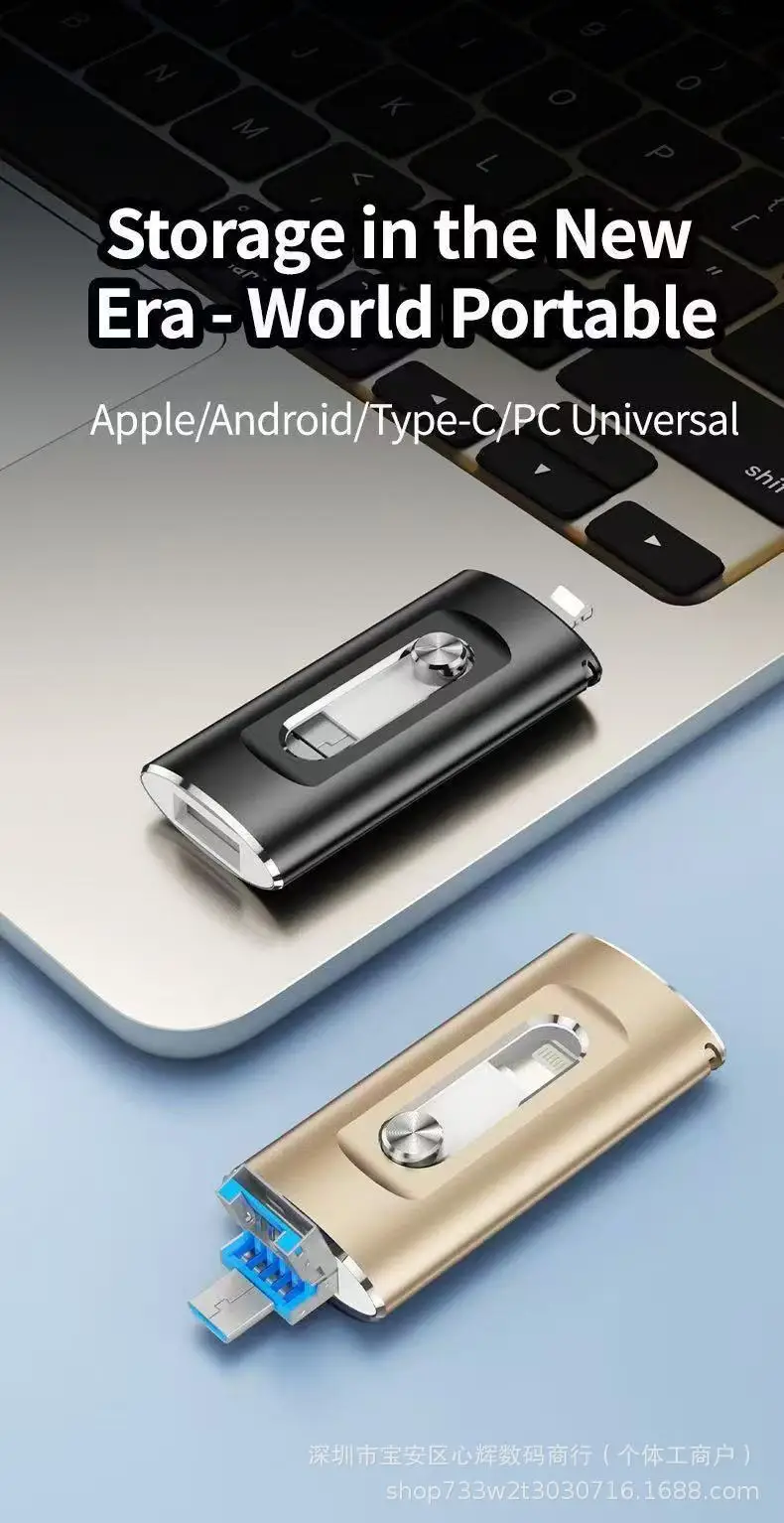
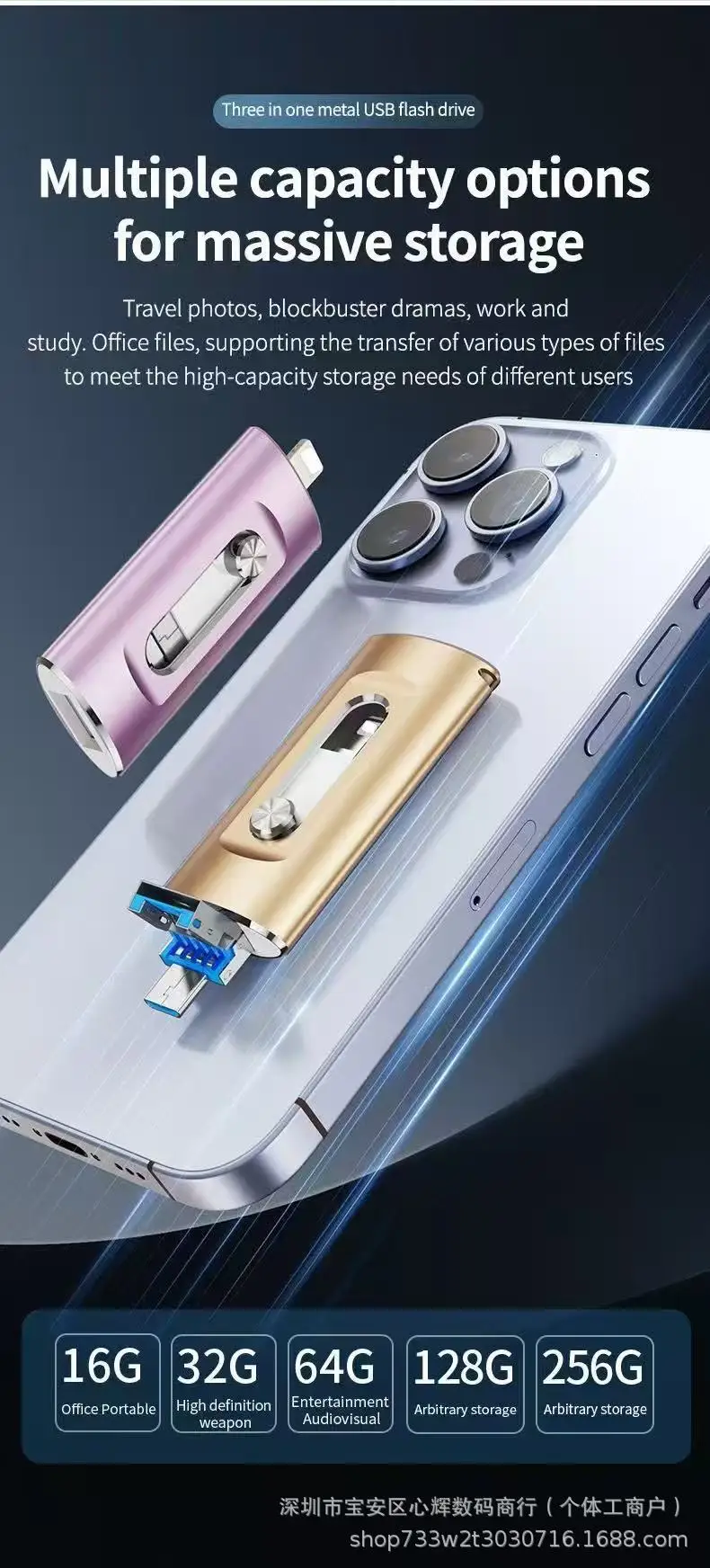
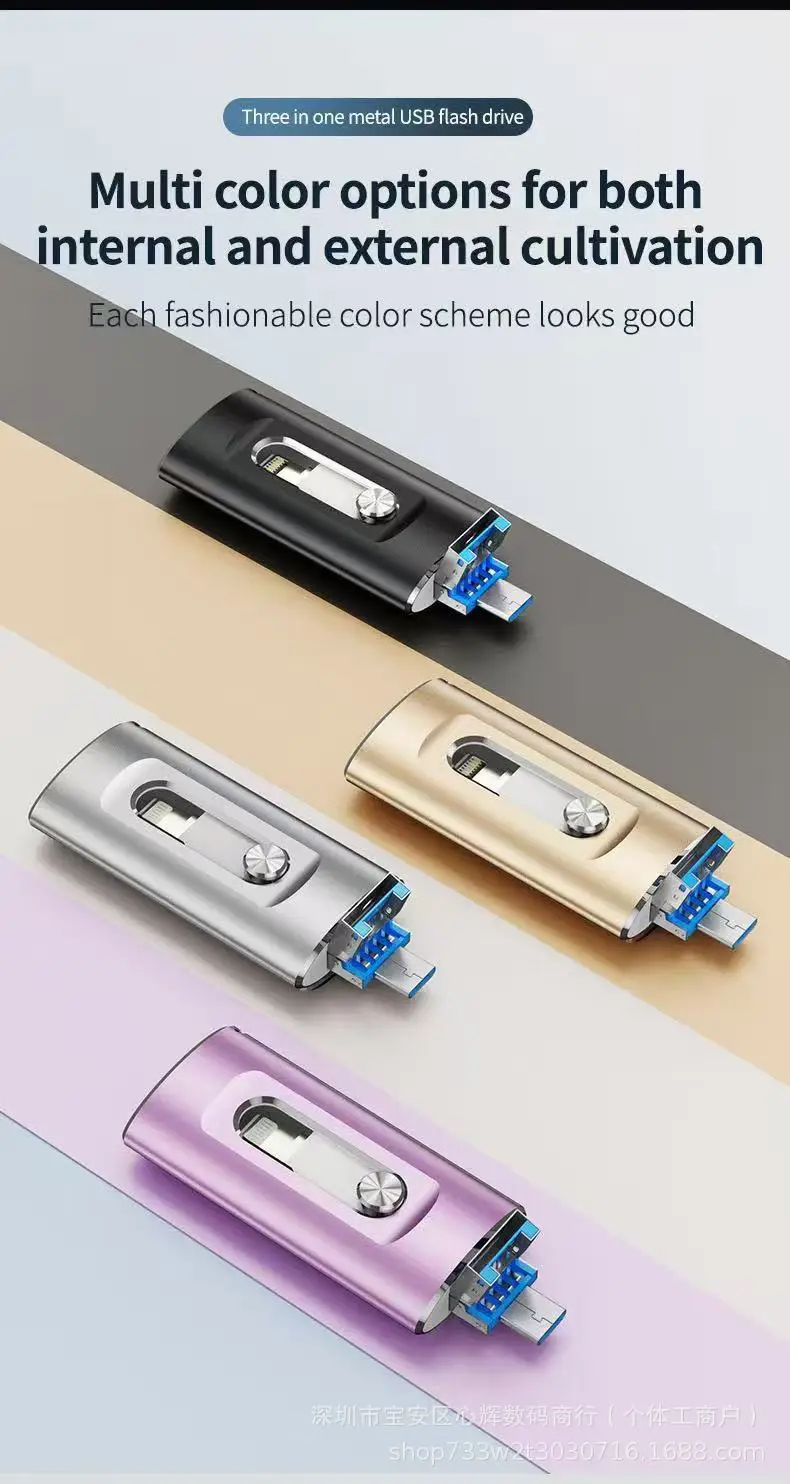
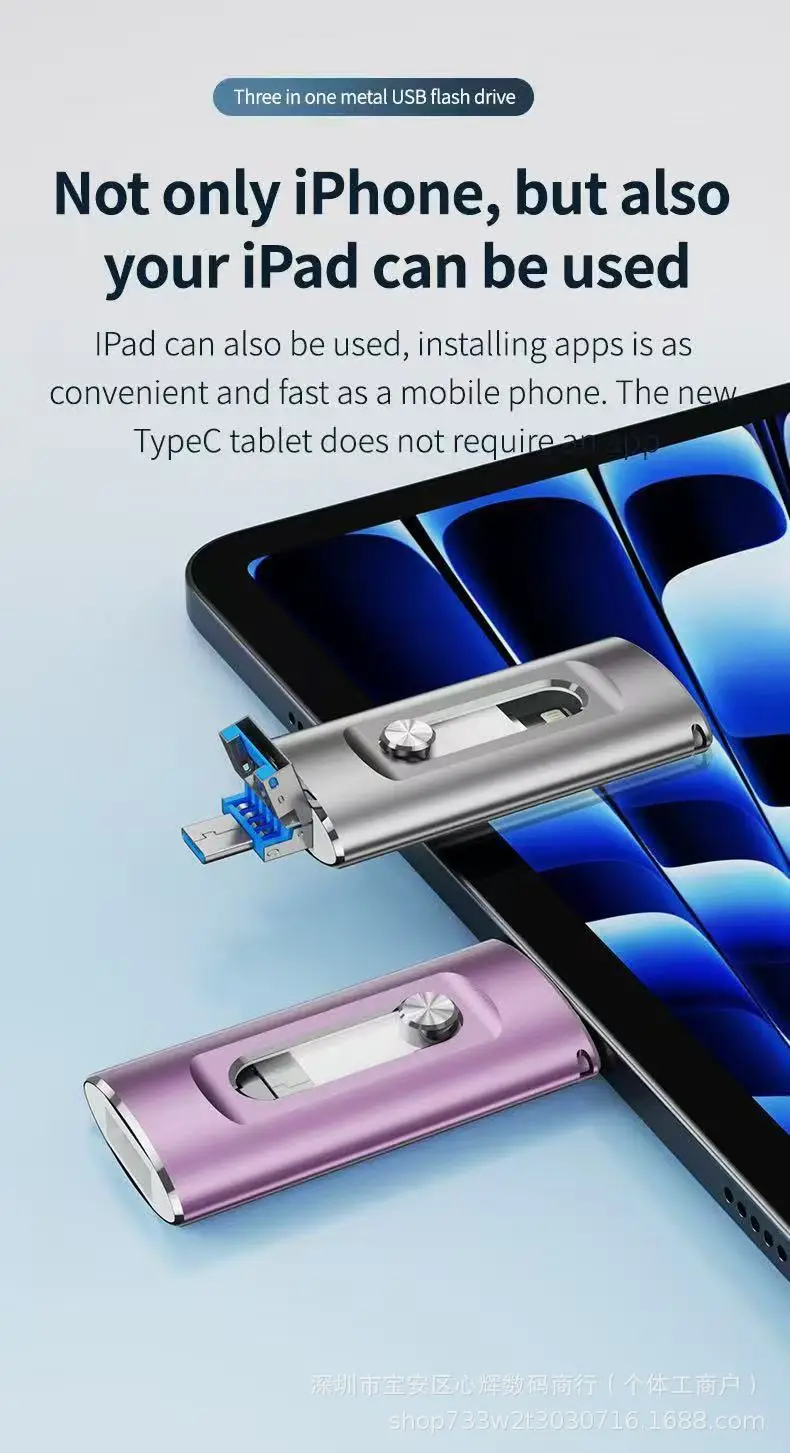
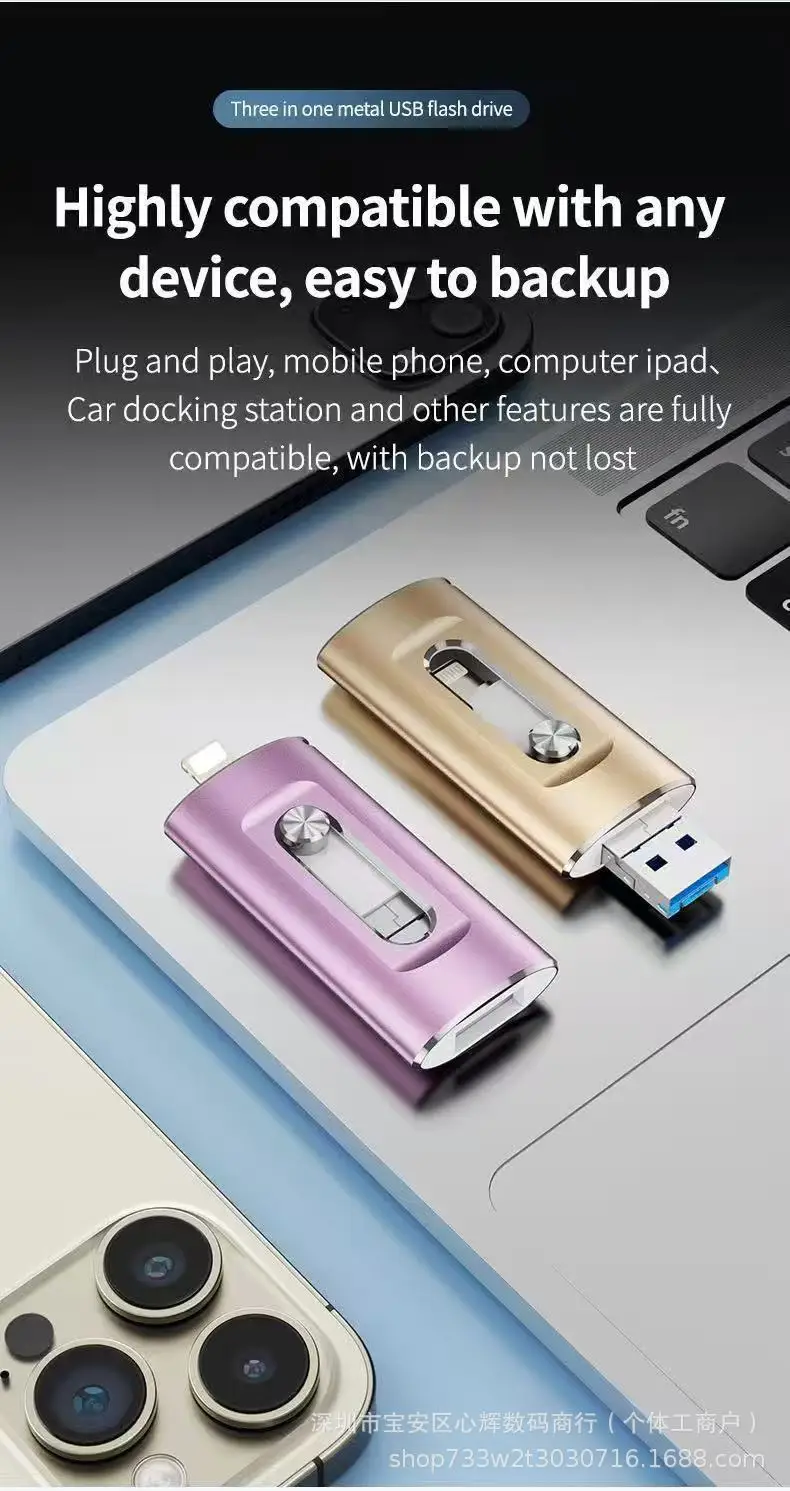
4-in-1 USB Flash Drive
4-in-1 USB Flash Drive
Description
Dear buyer, our store started shipping normally. Please make sure you buy. To ensure the speed and safety of logistics, we use aliexpress standard logistics. Track your shareThe capacity flash memory products are usually shipped according to 1mb=1000kb, 1g=1000mb compute, but the operating system using binary arithmetic 1mb=1024kb, 1gb=1024mb, so there are some differences between the display capacity and the standard capacity memory product
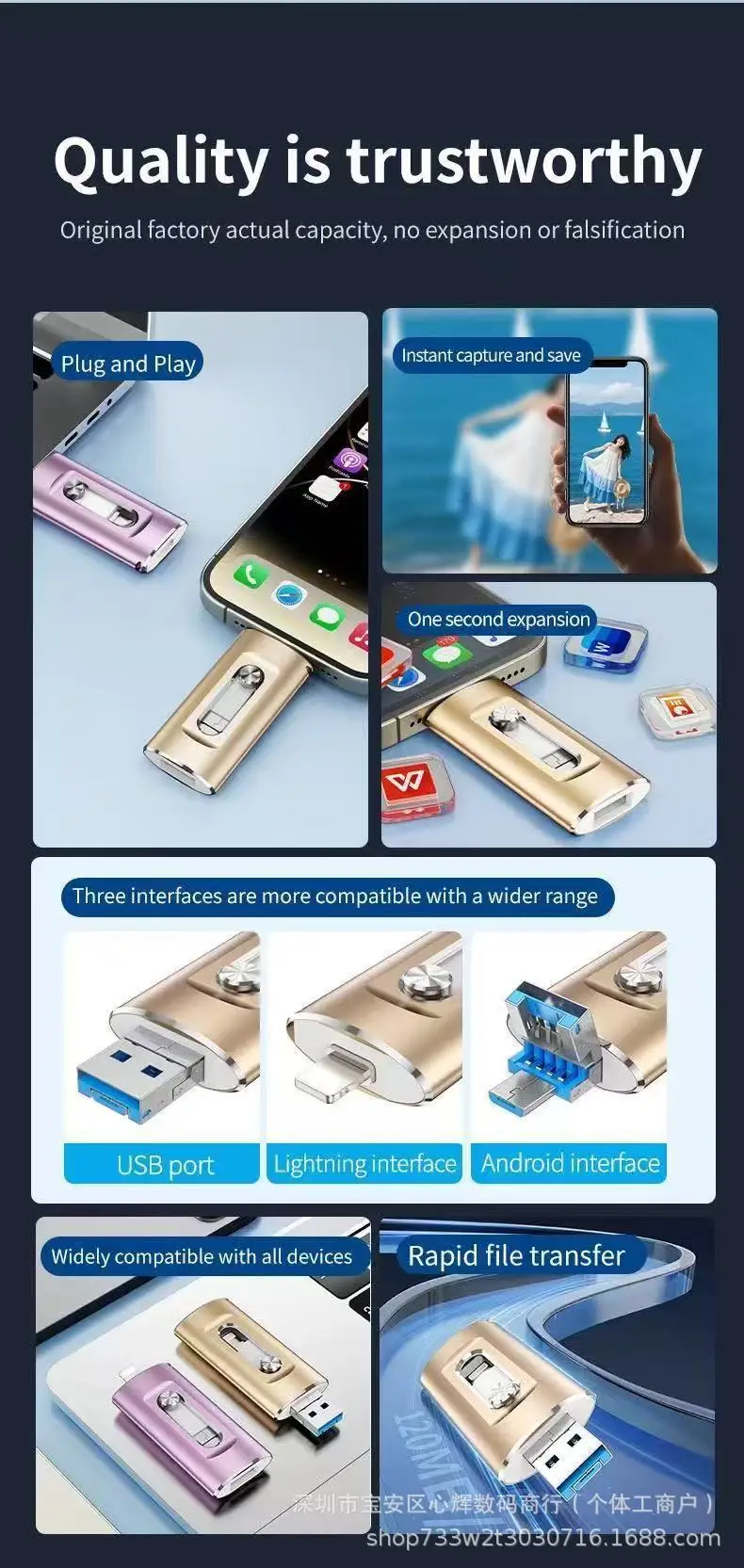
For APPLE (iPhone/iPad)
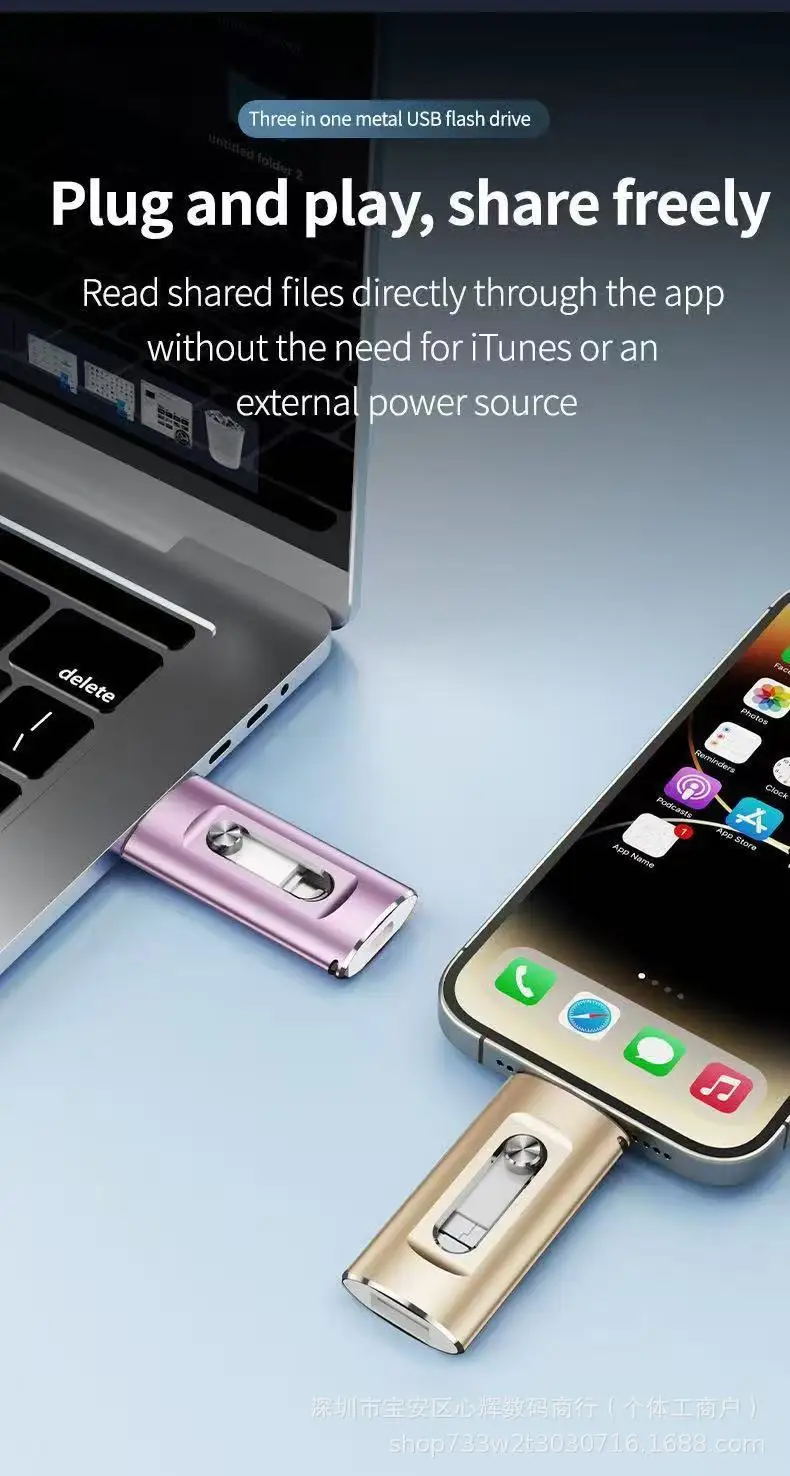
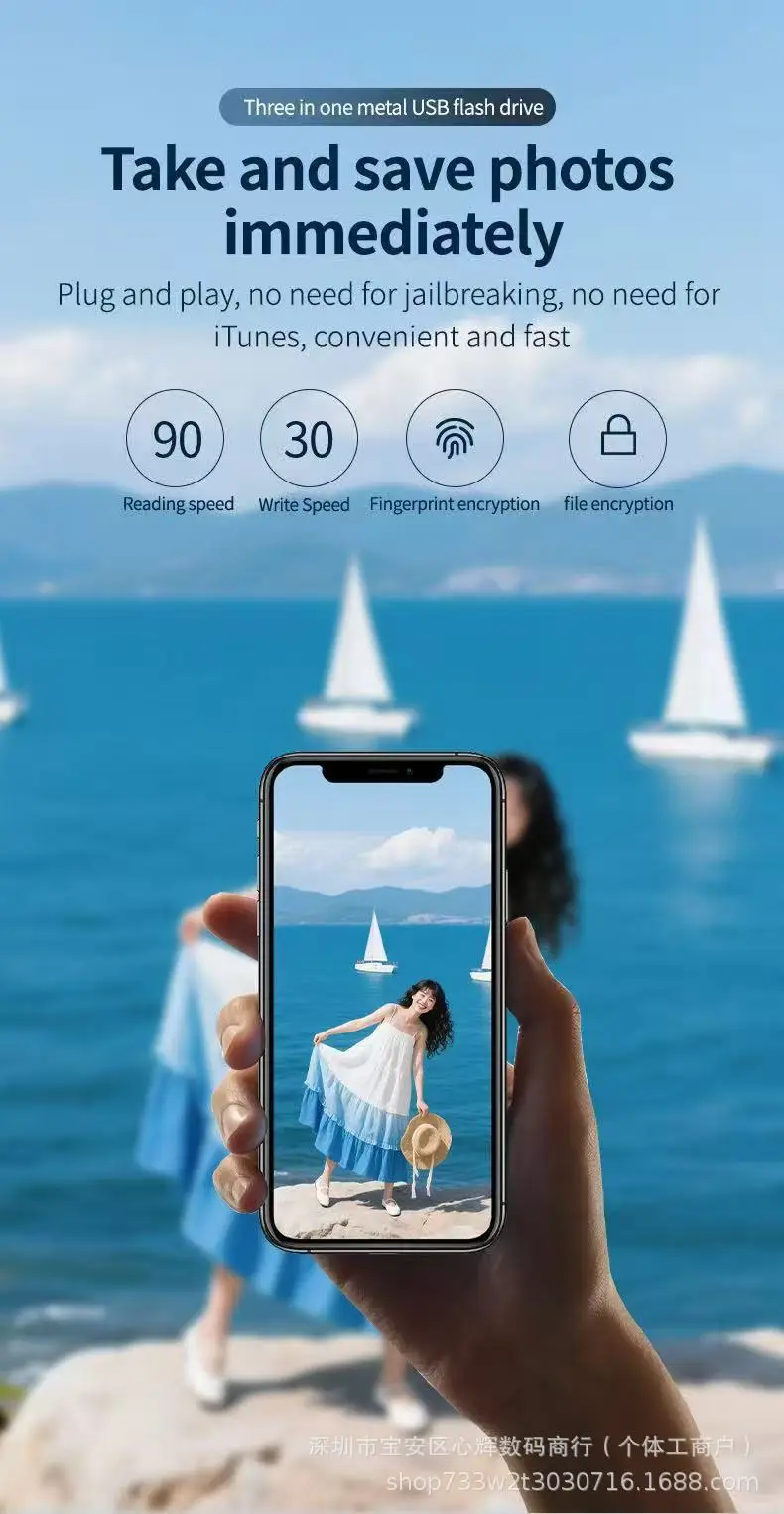
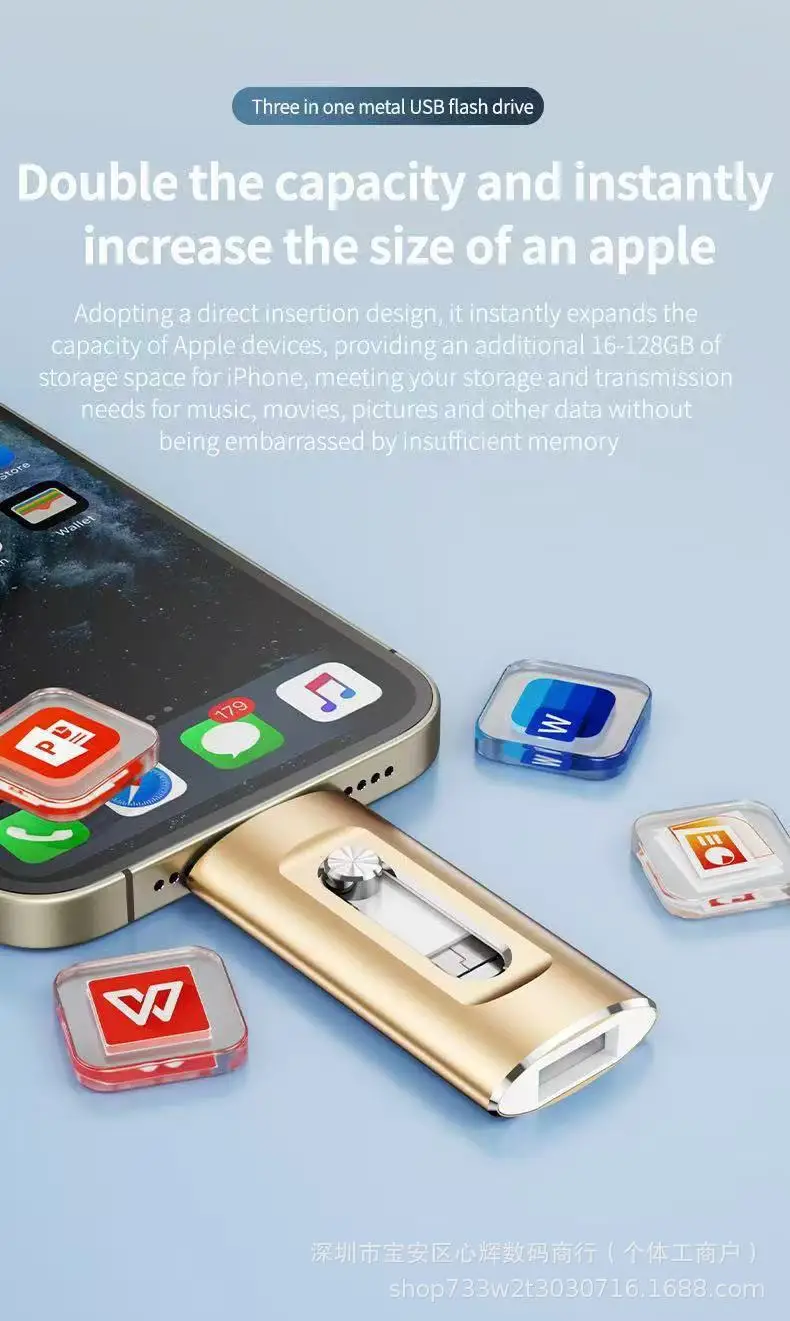
1. Connect the SnapStick to your iPhone or iPad.
• Using a interface Insert it directly as shown in the first image.
• Using a USB-C port Attach the provided adapter to the standard USB connector and plug it.
2. Open the Files app on your device.
3. Tap Browse in the top-left corner and select the USB stick (usually named “Untitled” or “NO NAME”).
4. Navigate to the desired files and tap Select in the top-right corner to choose photos or videos.
5. Tap the Share icon in the bottom-left corner and choose Save Video/Photo to store the files in the Photos app.
Android
1. Connect the USB Stick to your Android device.
• USB-C Plug it directly into the port.
• Micro-USB Use the included adapter.
2. Allow access to the USB stick.
• Tap the notification that says “USB device connected” or “Charging via USB.”
• Choose File transfer or Use USB for storage.
3. Access the files on the SnapStick.
• Go to Settings > Storage (or Device Maintenance > Storage).
• Look for USB storage, DISK_IMG, or USB device, and open it.
4. Transfer files.
• Open your gallery or Google Photos.
• Select the photos or videos you want to transfer.
• Tap Share > Save to USB storage or a similar option.
• Choose an existing folder or create a new one on the SnapStick.
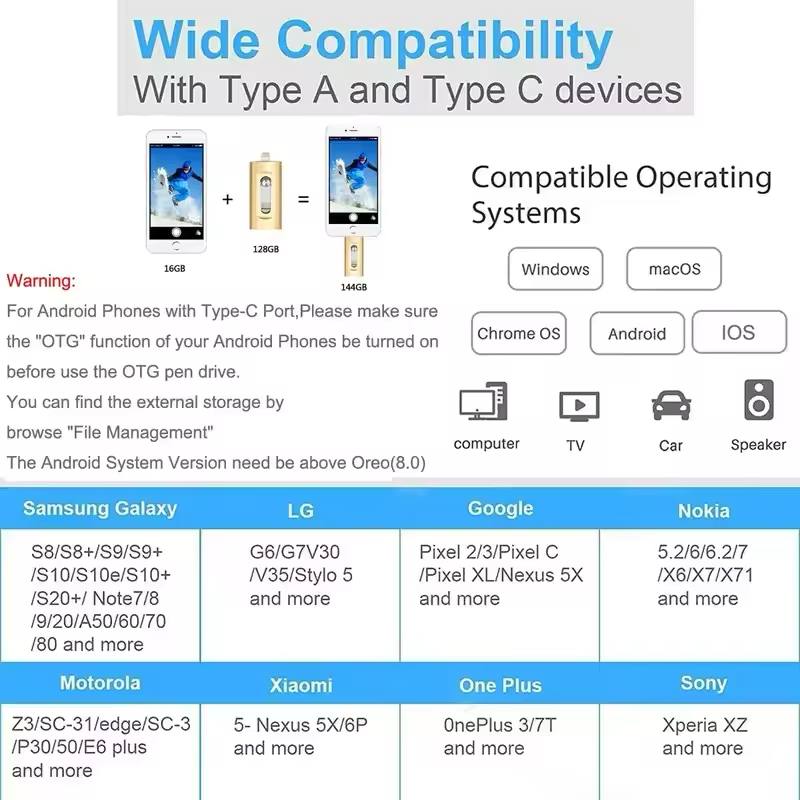
Note: On some devices (such as Samsung, Vivo, Oppo, and OnePlus), you may need to enable OTG first via Settings > Additional settingsor Connections. Always verify that files have been successfully transferred before deleting them from your device.
Notice:
1.Our Store offers 100% genuine products.
2. All products are in compliance with the BiNFUL official website.
3. Manufacturer's reserve the right, at their sole discretion, to change or modify products. Appearance and packaging design may change without prior notice.
4. We are not responsible for any changes or modifications that manufacturer's make to products.
Warm Tips:
1. To avoid data loss or mechanical damage, do not power down your computer or unplug flash disk during transfer.
2. Please do not remove your USB flash drive when it is being used otherwise your data may loss.
3. After using USB flash drive, it is better to remove it as soon as possible. That will help to extend its storage lifetime.
4. Please do not format your USB flash drive frequently, otherwise the USB will be damaged easily.
Specifications
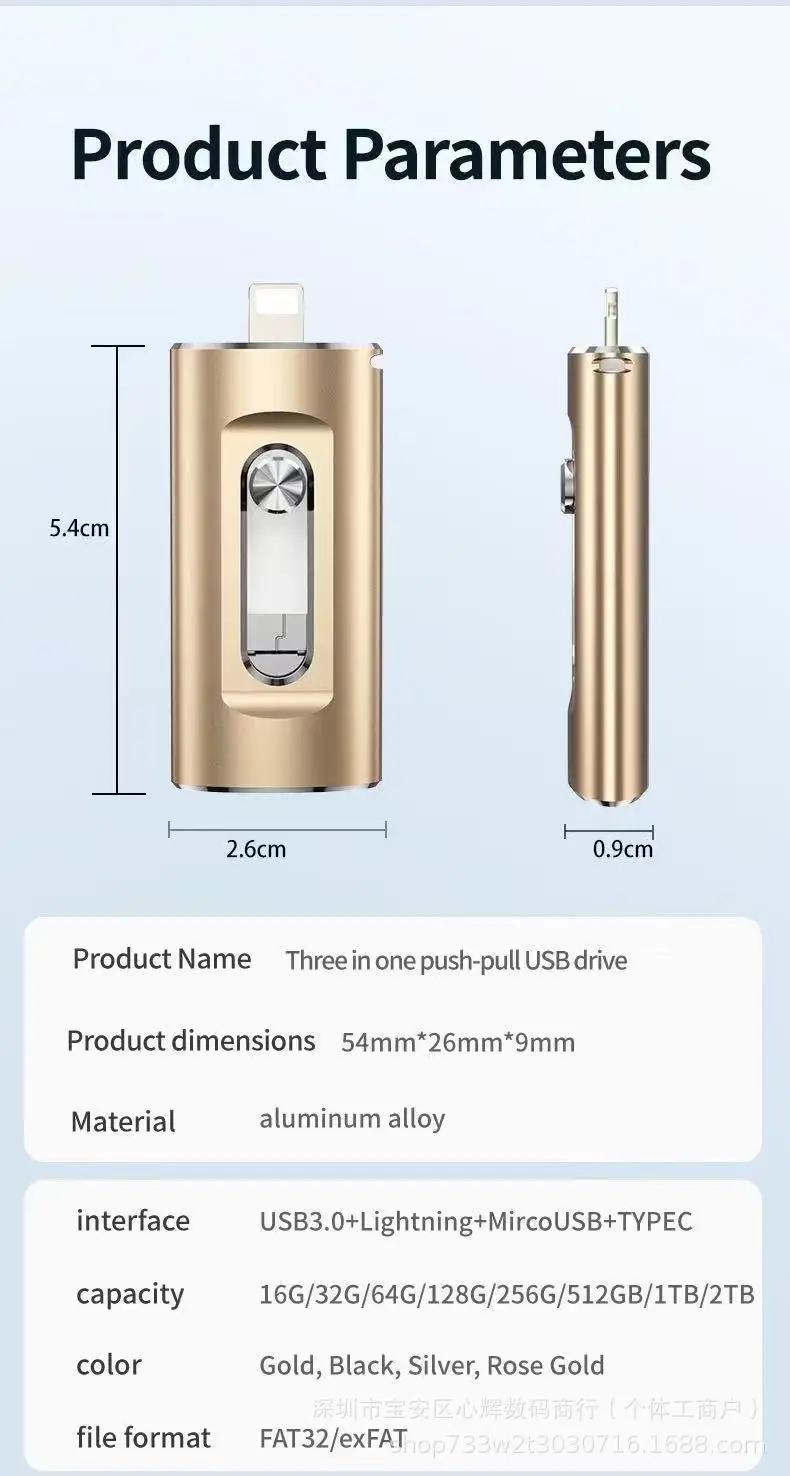
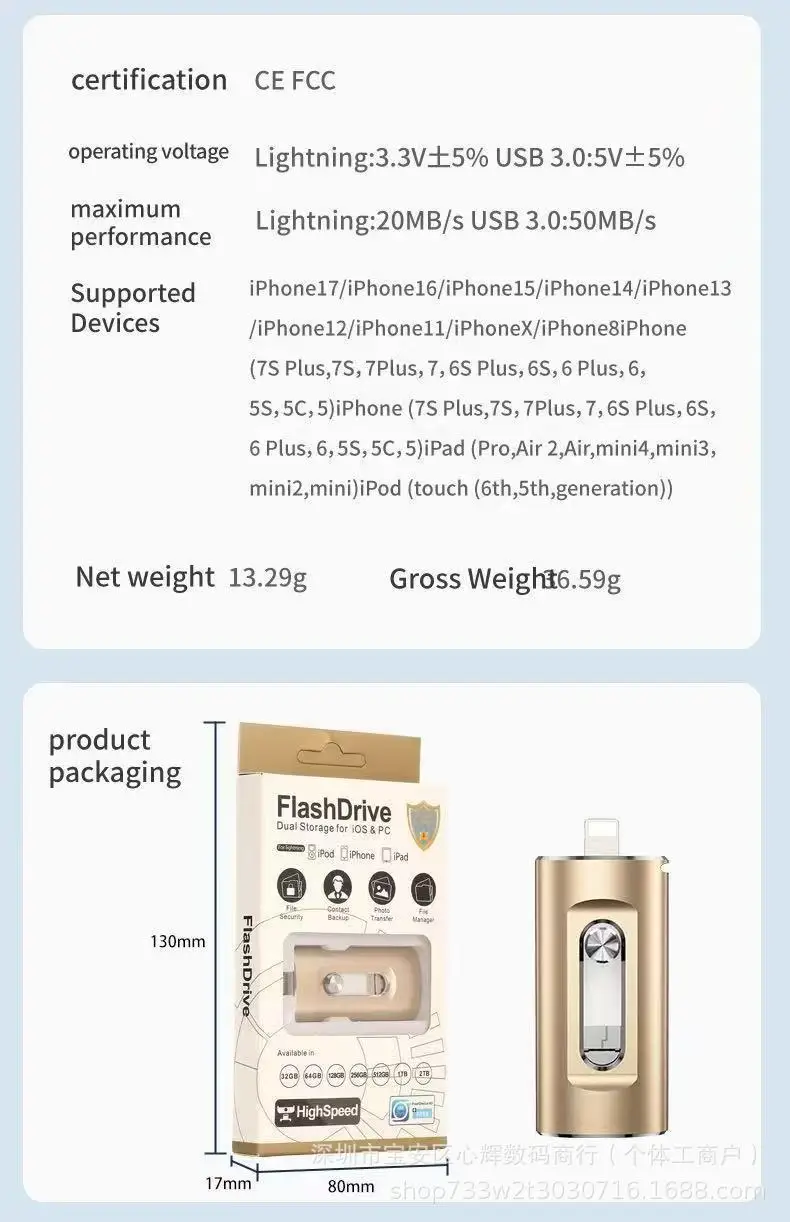
Capacity: Available in 4 In1 options: = 64GB
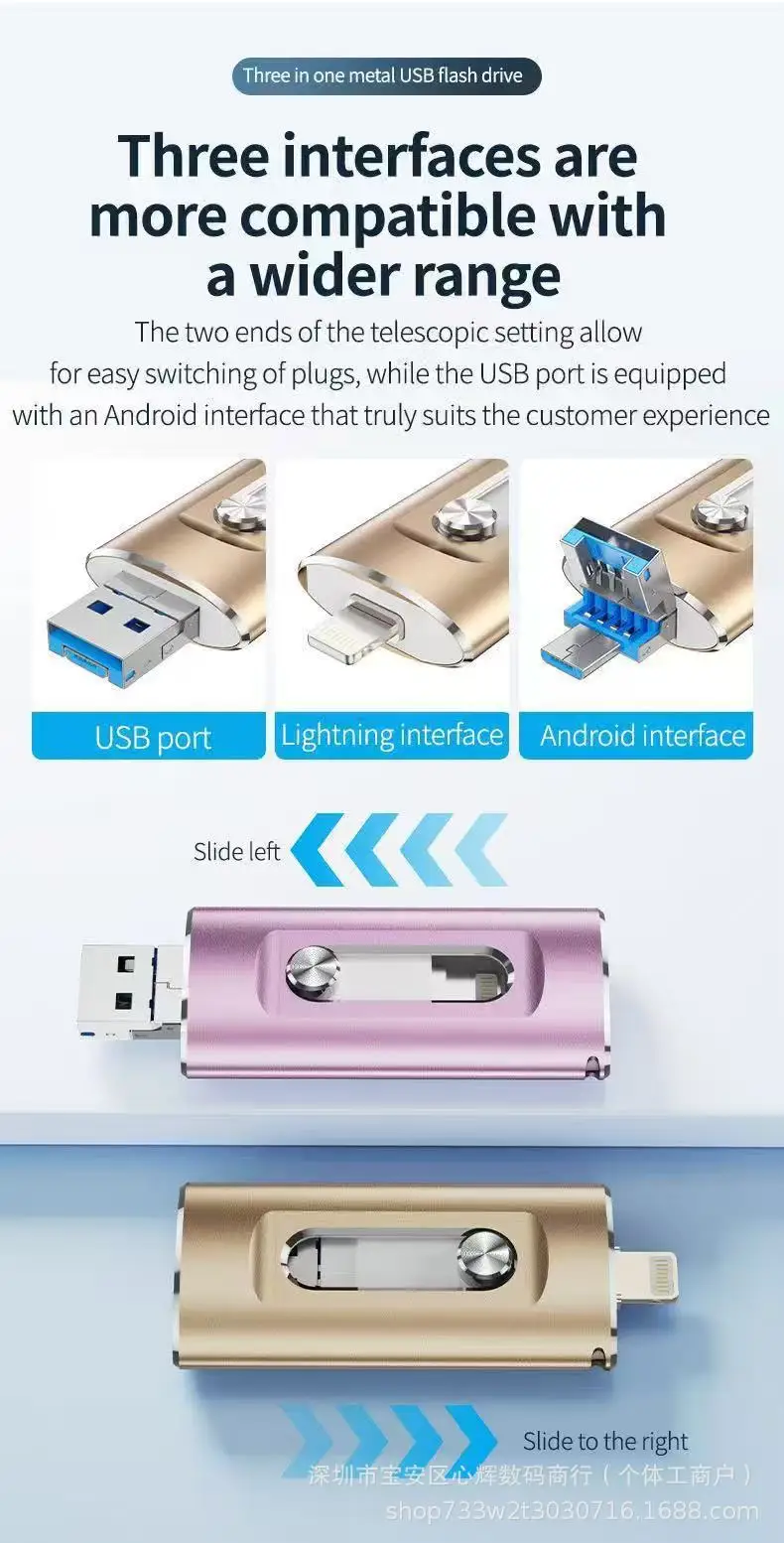
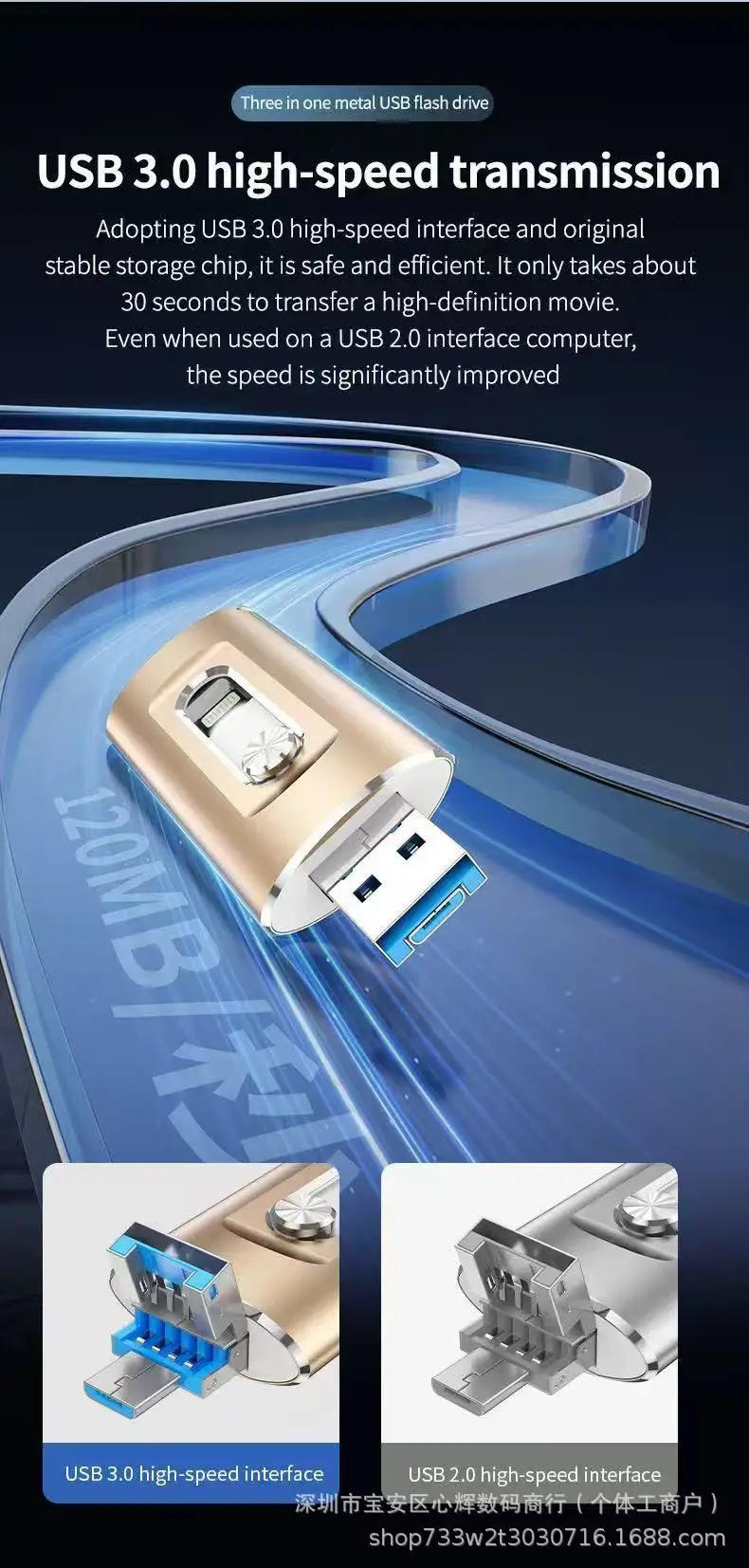
Connectivity: Dual-Purpose USB 3.0 and Type-C Interface
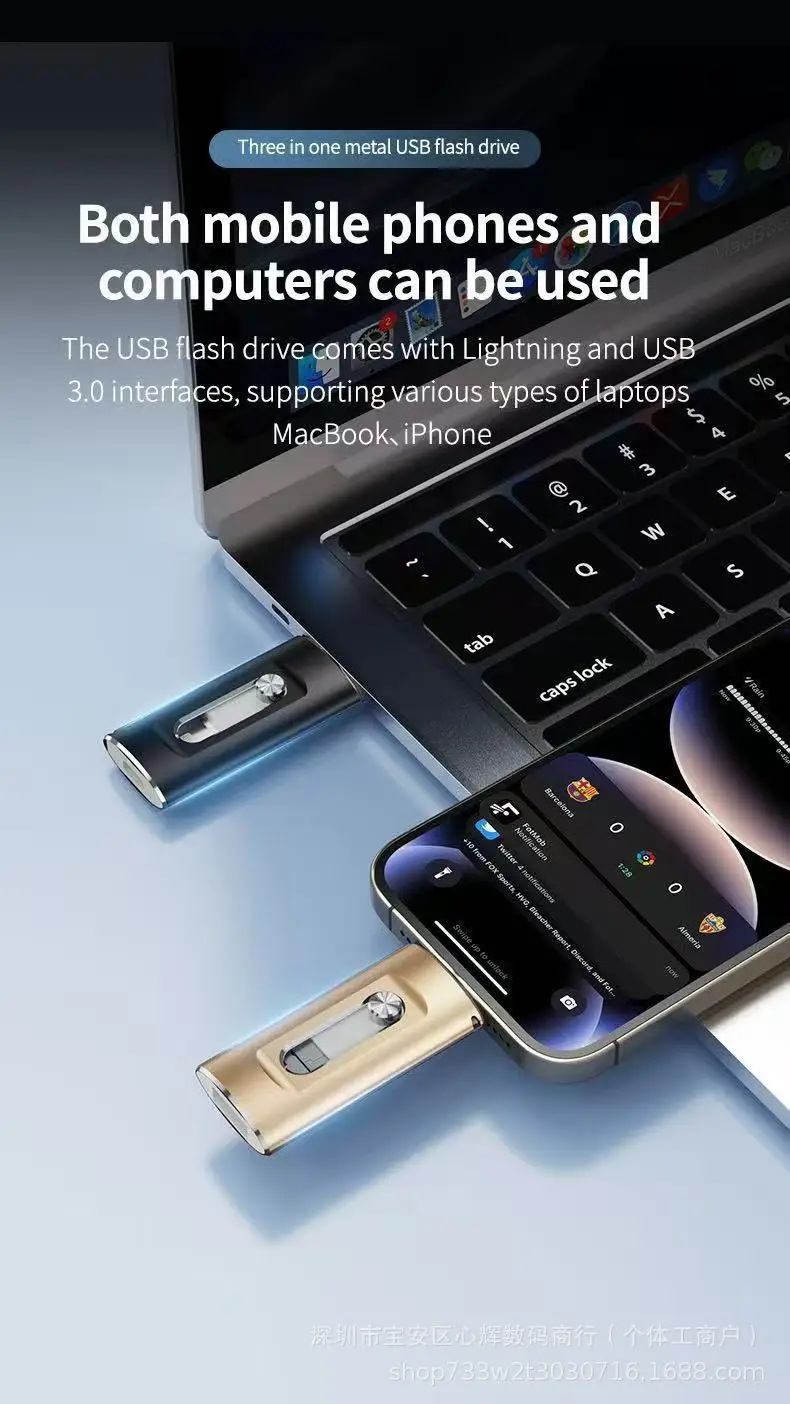
Compatibility: Compatible with Android and iPhone devices
Design: Sleek and Portable Form Factor
Performance: High-Speed Data Transfer and Read/Write Rates
Features:
**Versatile and Convenient Storage Solution**
The 4 In1 OTG Micro USB 3.0 Flash Drive is an indispensable tool for anyone who needs to transfer files between devices on the go. Designed with a dual-purpose interface, this flash drive is equipped with both a USB 3.0 and a Type-C connector, ensuring compatibility with a wide range of devices. Whether you're using an Android smartphone or an iPhone, this flash drive is your perfect companion for seamless data sharing. The sleek metal and plastic construction not only adds to its durability but also makes it a stylish accessory for your tech gear.
**Effortless File Management for Every User**
The 4 In1 OTG Micro USB 3.0 Flash Drive is engineered for ease of use. It is compatible with Android devices that support OTG functionality, which can be enabled in the settings. For iPhone users, a simple USB-C adapter is included to convert the Type-C connector to a standard USB port. The flash drive is designed to be user-friendly, with no additional drivers needed. Simply plug it in, and you're ready to transfer files between devices.
**Reliable and High-Performance Storage**
With capacities ranging from 64 GB , this flash drive provides ample storage for all your files. The high-speed data transfer rates ensure that your files are transferred quickly and efficiently. The flash drive is formatted to be compatible with both Android and iPhone, so you can share files without worrying about incompatibility. It is an ideal solution for photographers, videographers, and anyone who needs to transfer large files between devices. Remember to remove your phone case before use to ensure a proper fit for the SnapStick.
Description